
Set up your Raspberry Pi and explore what it can do
Step 1 : Introduction

In this project you will connect up a Raspberry Pi computer and find out
what it can do.
What you will make
The Raspberry Pi is a small computer that can do lots of things. You plug
it into a monitor using HDMI and attach a keyboard and mouse.


Step 2 : What you will need ?

Hardware
- A Raspberry Pi computer with an SD card ( Class 10 SD card with minimum 16 GB )
- A monitor connected to Pi via HDMI cable
- A USB keyboard and mouse
- A power supply ( More than 5V - 2.5 A )
- An ethernet cable (optional)
Software
- Raspbian, installed via NOOBS
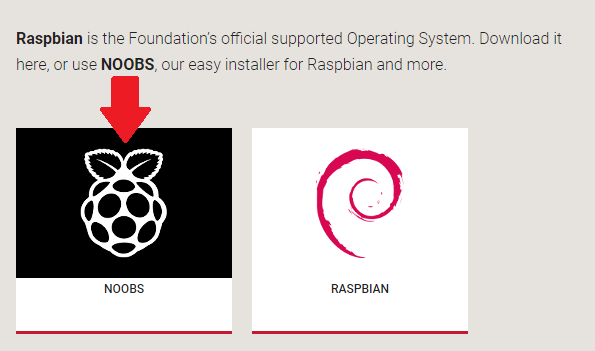
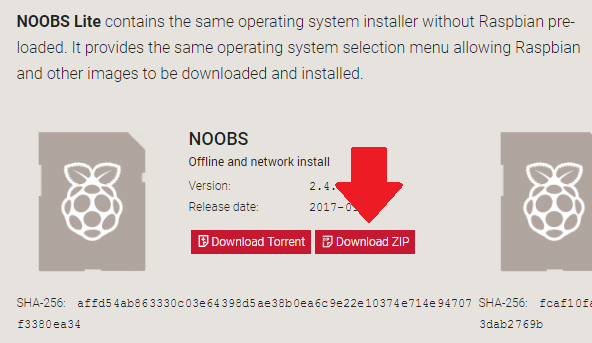
 → Installing Raspbian with NOOBS Downloading NOOBS Using NOOBS is the easiest way to install Raspbian on your SD card. -- To get hold of a copy of NOOBS. Visit : https://www.raspberrypi.org/downloads/ -- You should see a box with a link to the NOOBS files. Click on the link ( Arrow Shown in Below Pic )


Comments
Post a Comment